https://www.pexels.com/@mart-production
PH Payment & Ticketing 2026
A new and updated technical guide to RFID and Beep Cards (NFC loading), GCash/Maya for transit, and fare matrices.
- RFID and Beep card Explained
- Guide on What to Use Where
- Tactical Tips
Summary Table: What to Use Where
| Mode of Transport | Beep Card | GCash/Maya QR | Cash |
| MRT-3 / LRT-1 & 2 | Yes (Recommended) | Yes (Fast Lanes) | Yes (SJT only) |
| EDSA Carousel | Yes | Yes (Scan to Pay) | Yes (Exact change preferred) |
| BGC Bus | Yes | Yes (Via Maya QR) | No (Cashless only) |
| P2P Buses | Yes | No (Usually) | No (Terminal Ticket only) |
| Modern Jeepneys | Yes | Sometimes | Yes |
“Always keep a ₱50 ‘Emergency Bill’ in your phone case.” Even in a digital city, power outages or signal drops can happen. A physical ₱50 bill ensures you can always board a traditional jeepney or buy a manual ticket if the digital systems are down.
The Beep Card Ecosystem (Stored Value)
The Beep card remains the “Master Key” for Manila transit.
- Where to Buy: Beep cards are available at all MRT/LRT ticket booths, PITX, One Ayala, and select 7-Eleven or Uncle John’s branches.
- The NFC Fetch Method (Pro Tip): In 2026, you don’t need to line up at a kiosk to reload.
- Load your beep card via the GCash or Maya app (under “Bills” or “Travel”).
- Open the Beep card App and select “Fetch Beep Load.”
- Hold your beep card against the back of your NFC-enabled smartphone until the balance updates.
- Maximum Load: ₱10,000.
- Validity: 4 years (Check the expiry date on the back; you can “extend” beep cards at MRT-3 stations for a small fee).
QR Ph & E-Wallet Scanning
The EDSA Busway and MRT-3 now support “Open-Loop” payments.
- EDSA Busway: Look for the SoundPay or QR devices held by conductors. Open your GCash app, select “Scan to Pay,” and scan the conductor’s QR code. Listen for the “audio confirmation” that your payment was successful.
- MRT-3 QR Turnstiles: Dedicated “Fast Lanes” at MRT-3 stations now allow you to scan a GCash Commuter QR directly at the turnstile, bypassing ticket machines entirely.
Single Journey Tickets (SJT)
Best for tourists or “one-off” travelers who don’t own a Beep card.
- Choose “Single Journey” on the touchscreen.
- Choose your Destination Station.
- Insert bills (₱20, ₱50) or coins. Note: Most machines do not give change for ₱100 bills or higher.
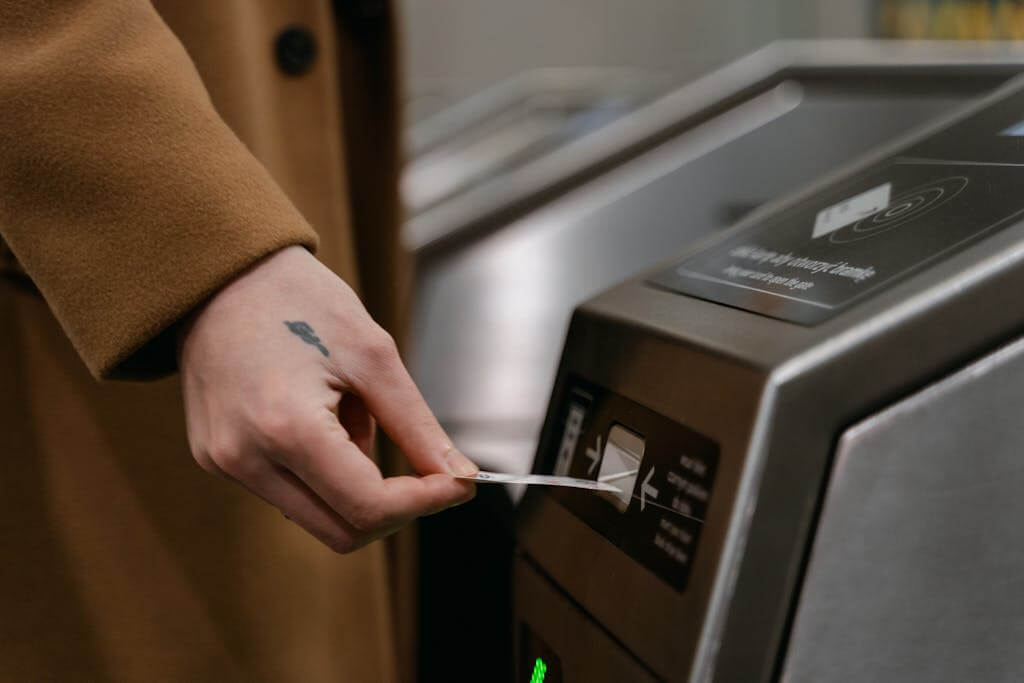
- Entry: Tap the ticket on the gate sensor.
- Exit: Insert the ticket into the slot at your destination (the machine “consumes” it).
Modern Jeepney & UV Express Payments
- Beep card-Enabled: Most “Modern Blue/White Jeepneys” have a validator near the door. Tap in when you board and tap out when you exit to ensure you are charged the correct distance-based fare.
- Cash Etiquette (Traditional): If paying cash in a traditional jeepney, pass your money forward and say, “Bayad po, [Destination], isa (one). “
The Complete RFID Guide: One Tag to Rule the Tollways
- Autosweep (for SMC tollways like SLEX and Skyway)
- Easytrip (for MPTC tollways like NLEX and CAVITEX)
Phase 1: Getting Your First RFID Sticker
If you don’t have any RFID yet, choose your “primary” provider based on which highway you use more often.
- Step 1: Locate an Installation Site
- Autosweep: Visit Petron stations along SLEX/TPLEX or Customer Service Centers at Skyway entries.
- Easytrip: Visit Shell or Petron stations along NLEX/SCTEX, or MPTC Drive-and-Dine locations.
- Step 2: Prepare Requirements
- Vehicle: You must bring the vehicle for actual sticker testing.
- Documents: Photocopy of your vehicle’s OR/CR (Official Receipt/Certificate of Registration).
- Fees: Initial load is typically ₱200 to ₱500 (consumable). The sticker itself is usually free.
- Step 3: Installation
- A technician will test your windshield or headlight for the best signal and apply the sticker.
- You will receive a physical RFID Card—keep this in your glove box!
Phase 2: Activating Interoperability (The “One RFID” Setup)
In 2026, you can link your existing sticker to the “other” system so you only need one piece of plastic on your windshield.
- If you have Easytrip: Visit an Autosweep Installation site and ask to “Enroll Easytrip to Autosweep.” They will register your Easytrip serial number into the Autosweep system.
- If you have Autosweep: Visit an Easytrip station (or use the MPT DriveHub app) to link your Autosweep tag to the Easytrip network.
- Important: Even if you use one sticker, you still maintain two separate wallets. You must load your Autosweep and Easytrip accounts individually.
Phase 3: How to Reload (No-Queue Methods)
Avoid the “Insufficient Balance” shame at the toll gate by using digital reloading.
- Open the app > Bills Payment > Transportation.
- Select either Autosweep or Easytrip.
- Enter your Account Number (found on your card) and the amount.
- Via Banking Apps: Most major banks (BDO, BPI, Unionbank) have an “E-Load” or “Bills Pay” section specifically for RFIDs.
- Convenience Stores: 7-Eleven (Cliqq kiosks) and TouchPay machines in malls.
Phase 4: Checking Your Balance Instantly
| Provider | Best Method | How to do it |
| Autosweep | SMS | Text AUTOSWEEP BALINQ [Plate Number] to 0917-860-8655 |
| Easytrip | MPT DriveHub App | Open the app; your balance is displayed on the dashboard. |
| Easytrip | SMS | Text BAL [12-digit Account Number] to 0919-160-1553 |
Tactical Tips for 2026 Drivers
- The “Double-Tag” Warning: If you have two stickers, ensure they are at least 10cm apart to prevent “signal interference” at the gantry.
- Clean Your Sticker: Do not use abrasive chemicals on the area where the RFID is placed. If the sticker is peeling, get a Free Replacement at any service center to avoid toll gate delays.
- Keep the Card: If the scanner fails to read your sticker, hand your RFID Card to the toll teller. They can manually swipe it to let you through.
If you’re unfamiliar with the area, start with the Commute Guides framework to understand how modes connect before moving.
If you already move regularly, explore Dream Destinations for your weekend getaways and Travel itineraries.
Choose your intent. Navigate with confidence. Move without guessing. Use Homepage as your control panel.
MappedAtlas improves with commuter reports. If you find outdated routes, changed timetables, or new paths, send a quick update.
Last updated: March 2026
Disclaimer: The information here is for guidance only. Schedules and fares are subject to change based on traffic, weather and maintenance without notice from the operators. Always allow extra time for your trip. Safe travel “Ka-Atlas”.